Listeners:
Top listeners:
-
 play_arrow
Radio Today Radio Today
-
 play_arrow
Game Time Sports Show Mike Stroud
-
play_arrow
Game Time Sports Show Mike Stroud
music_note

Stop, Think, Verify
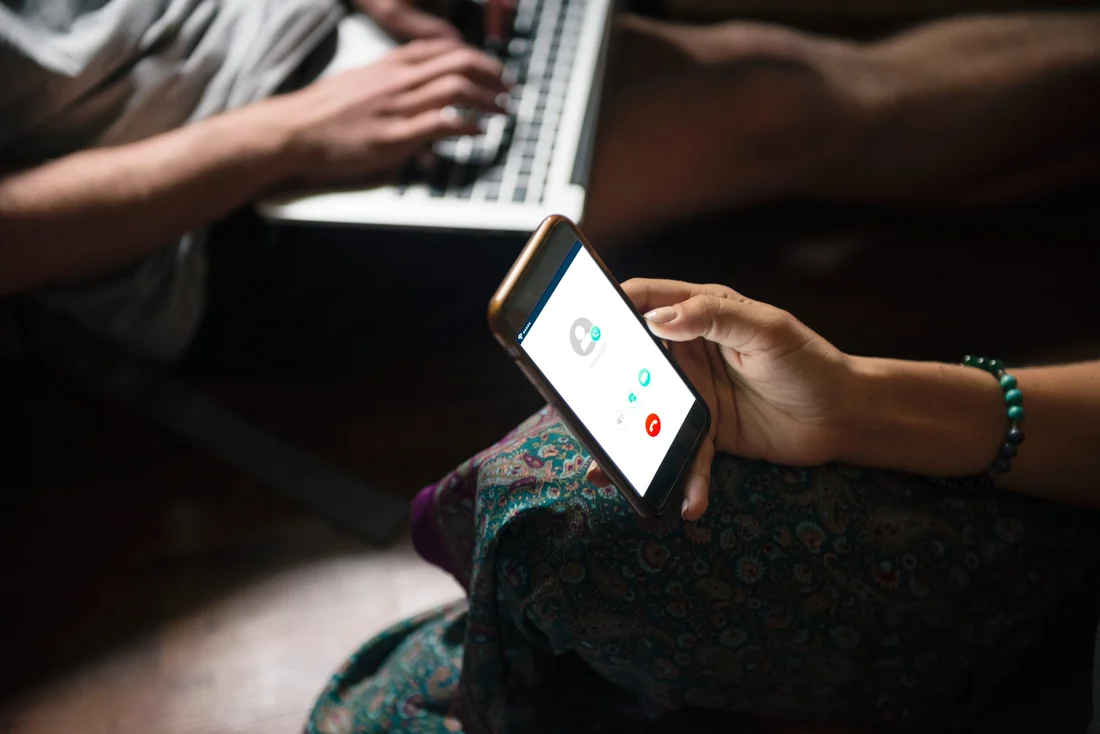
STOP! THINK BEFORE YOU CLICK OR ANSWER: How to Spot a Scam on Your Smartphone in South Africa.
Your smartphone connects you to the world, your money, your family and your business. But it can also open the door to criminals. Knowing how to recognise a scam could save you thousands of rands and protect your personal information.
In today’s digital world, smartphones have become an essential part of everyday life. We use them to communicate, pay bills, transfer money, shop online, access banking services and conduct business. Unfortunately, criminals have also found ways to use this technology to target unsuspecting South Africans.
Scammers are becoming increasingly sophisticated. They no longer rely on poorly written messages or suspicious-looking phone calls. Many now impersonate banks, government departments, delivery companies, cellphone networks, insurance companies and even people we know.
The important question is: Would you recognise a scam if it appeared on your phone right now?
Understanding the warning signs is the first step towards protecting yourself.
- The SMS scam: Don’t believe every message you receive
One of the most common smartphone scams is called smishing, which is short for SMS phishing.
This happens when criminals send text messages pretending to represent a legitimate organisation. The message is designed to convince you to click on a link, provide personal information or make a payment.
You might receive an SMS claiming:
- Your bank account has been temporarily blocked.
- Your bank card needs to be verified.
- A payment has been made from your account.
- Your parcel cannot be delivered until you pay a small outstanding fee.
- Your electricity account is overdue.
- You qualify for a government grant or refund.
- You must update your personal information to avoid losing access to a service.
The message often creates a sense of urgency, encouraging you to act immediately.
For example:
“URGENT: Your bank account will be suspended within 24 hours. Click here to verify your details and prevent interruption.”
This may look official, but the link could lead to a fake website designed to steal your banking username, password, PIN and other confidential information.
How to protect yourself:
Never click on unexpected links in SMS messages. Instead, open your bank’s official mobile application or type its website address into your browser yourself. If the message claims to come from a company, contact that company using a telephone number obtained from its official website.
- The phone call scam: When criminals pretend to be your bank
Another increasingly common scam is known as vishing, which means voice phishing.
This happens when someone phones you pretending to be a representative of a trusted organisation.
The caller may sound professional, confident and convincing. They may even know your name, telephone number, bank or other personal information.
A typical example is someone calling and saying:
“Good morning. I am calling from your bank’s fraud department. We have detected suspicious activity on your account and need to secure your money immediately.”
The caller may then ask you to:
- Confirm your account details.
- Provide your banking PIN.
- Read out a one-time password (OTP).
- Approve a notification on your banking application.
- Download an application to help secure your phone.
- Transfer your money into a supposedly safe account.
These are major warning signs.
Remember: Your bank will never need you to disclose your confidential banking PIN, password or OTP to someone over the phone.
A particularly dangerous tactic is when criminals tell you that your money is at risk and that you must transfer it to a so-called safe account.
There is no reason to transfer your money to an account supplied by an unsolicited caller.
End the call. Contact your bank using the official number on its website, bank card or banking application.
- Be careful: The telephone number may look genuine
Many people believe that if a telephone call appears to come from their bank’s official number, it must be legitimate.
Unfortunately, this is not always true.
Criminals can use a technique called caller ID spoofing to make a phone call appear to originate from a legitimate telephone number.
This means that even if your smartphone displays the name of your bank or a familiar telephone number, you should not automatically trust the caller.
The same applies to SMS messages. A fraudulent message may sometimes appear in the same message thread as genuine messages from your bank.
Do not rely on the displayed telephone number or sender name as proof of authenticity.
Always verify unexpected requests independently.
- WhatsApp scams: When someone you know asks for money
WhatsApp has become one of South Africa’s most popular communication platforms. Unfortunately, criminals also use it to target individuals, families and businesses.
One common scam involves someone pretending to be a friend or family member.
You might receive a message saying:
“Hi, I have lost my phone. Please save this new number.”
After establishing contact, the criminal may ask you for money because of an emergency.
Another common message might say:
“Please send me R2 500 urgently. I will explain everything later.”
The message may come from a WhatsApp account belonging to someone you know whose account has been compromised.
Before sending money:
- Phone the person using their original, trusted telephone number.
- Speak to them directly and confirm the request.
- Do not rely on WhatsApp messages or voice notes alone.
- Never send money simply because someone claims to be in an emergency.
- Be especially careful when asked to use cash-send services.
Even if the WhatsApp profile photograph and name are familiar, they do not prove that you are communicating with the genuine person.
- Government and SARS scams: Don’t let criminals exploit your trust
Scammers frequently impersonate government departments and public institutions.
South Africans may receive messages claiming to come from SARS, the South African Social Security Agency (SASSA), the South African Police Service (SAPS) or other government departments.
These messages may promise:
- A tax refund.
- A social grant payment.
- A financial assistance package.
- A government compensation payment.
- A refund for an overpayment.
The recipient is then asked to click on a link, provide identification details or pay an administration fee.
Be particularly careful with messages claiming that you have money waiting for you.
For example, SARS has warned that it will never request passwords, banking PINs, OTPs or eFiling login credentials through SMS, email, social media or telephone calls.
If you receive a message claiming to be from a government department, verify it through the department’s official communication channels.
Never pay someone to release money that you supposedly qualify to receive without independently verifying the claim.
- Five warning signs that a smartphone message or call could be a scam
It is not always easy to distinguish a genuine message from a fraudulent one. However, there are several warning signs that should make you suspicious.
- You are being rushed. The message or caller insists that you must act immediately or face serious consequences. Criminals use fear and urgency to prevent you from thinking clearly.
- You are asked for confidential information. Someone requests your banking PIN, password, OTP, card security code or other sensitive information.
- You are asked to click on an unfamiliar link. The link may lead to a fake website designed to look like your bank or another trusted organisation.
- You are promised something that sounds too good to be true. You have won a competition you never entered, inherited money from someone you do not know or qualified for a payment you never applied for.
- You are instructed to move money or download software. Someone asks you to transfer funds to a safe account, install an unfamiliar application or allow remote access to your smartphone.
If you notice any of these warning signs, stop and verify the request before doing anything.
- Protect your smartphone: Practical steps everyone should follow
You do not need to be a technology expert to protect yourself. A few simple habits can make a significant difference.
- Keep your phone updated. Install software and security updates when they become available. These updates help protect your smartphone against known security weaknesses.
- Use strong passwords. Avoid using your birthday, ID number, telephone number or simple combinations such as 123456. Use different passwords for your important accounts.
- Activate biometric security. Where available, use fingerprint recognition or facial recognition to protect access to your smartphone and banking applications.
- Install applications responsibly. Download applications through trusted official app stores. Avoid installing applications sent to you through unfamiliar links.
- Check your banking transactions. Regularly review your account balances and transaction history. Activate banking notifications so that you can identify unfamiliar transactions quickly.
- Protect your SIM card. Contact your mobile network provider to find out what protection is available against unauthorised SIM swaps and number porting. If your phone suddenly loses network connectivity for no apparent reason, contact your network provider immediately. Unexpected loss of service could be a warning sign of SIM-swap fraud.
- Never give strangers remote access to your phone. A caller claiming to be from technical support, your bank or a service provider should never be allowed to take control of your device without independent verification.
- What should you do if you think you have been scammed?
Do not panic, but act quickly.
If you have clicked on a suspicious link, shared confidential information or transferred money, take the following steps:
- Contact your bank immediately. Use its official fraud department number and explain exactly what happened. Ask the bank to secure your accounts, block compromised cards or access and investigate suspicious transactions.
- Change compromised passwords. If you shared your banking or email login details, change them using a trusted device. Secure your email account as well.
- Contact your mobile network provider. If you suspect a SIM swap or loss of control of your telephone number, report it immediately.
- Preserve the evidence. Keep screenshots of messages, telephone numbers, transaction references, emails and other relevant information.
- Report the incident to SAPS. Visit your nearest police station to open a case where appropriate. Provide all available evidence.
Do not delete important evidence before reporting the incident.
Remember that the faster you report suspected fraud, the better the opportunity for your bank and other relevant organisations to respond.
- Teach your family, especially older people, to recognise scams
Scammers do not discriminate. Anyone with a smartphone can become a target.
However, older people, first-time smartphone users and people who are unfamiliar with digital banking may be particularly vulnerable to certain scams.
Take time to explain the warning signs to parents, grandparents, children and other family members.
Encourage them to phone someone they trust before making an unfamiliar payment or responding to a suspicious message.
Parents should also teach children not to share personal information, photographs, passwords or verification codes with strangers online.
A simple family rule can make a big difference:
If someone asks you for money, personal information or a banking code, stop and speak to someone you trust before responding.
- The golden rule: Stop, think and verify
Smartphone scams are becoming more convincing, but that does not mean we have to become victims.
The most important lesson is to never allow someone you do not know to create panic and pressure you into making financial decisions.
A genuine organisation will allow you to verify its identity through its official communication channels.
You are entitled to end an unexpected telephone call, ignore a suspicious SMS and take time to check whether a request is legitimate.
You do not have to answer every call. You do not have to click every link. And you certainly do not have to give anyone your banking PIN or OTP.
Final message to every South African smartphone user
Your smartphone is a powerful tool, but it must be used responsibly.
The next time you receive an unexpected SMS, WhatsApp message or telephone call claiming that your bank account is in danger, that you have won money or that you must urgently make a payment, remember three simple words:
STOP. THINK. VERIFY.
Taking an extra minute to check a message could save you your hard-earned money, protect your identity and prevent a great deal of unnecessary stress.
Share this information with your family, friends, colleagues and community.
Awareness is protection. Don’t let scammers use your smartphone against you!
Read the original article here.

Featured post
Latest posts
Current show
Upcoming shows
















Post comments (0)